
Smart Facial Recognition Attendance System
A smart attendance system that automatically identifies students and staff, records check-ins and check-outs locally, and synchronizes attendance data with a monitoring application.
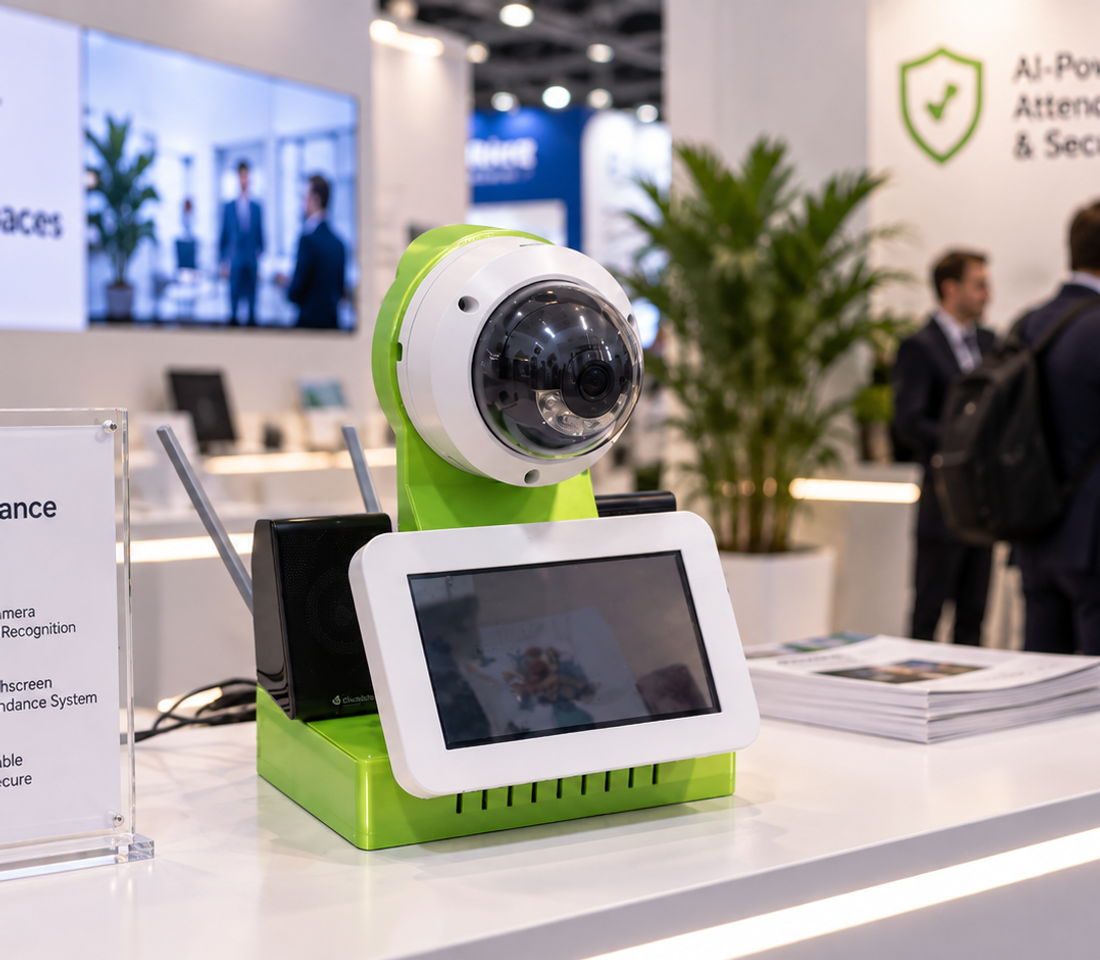
Schools need to track the daily attendance, lateness and absence of many students and employees. Manual attendance methods are time-consuming, require repetitive interaction and can lead to errors or missing records. The challenge was to design a system capable of automatically identifying a person as they pass in front of the device, recording their check-in or check-out with minimal interaction, and continuing to operate even when the Internet connection is unavailable. Special attention was also given to biometric data privacy and to reducing the risk of false identification. Le document précise d’ailleurs que le système privilégie une classification « inconnu » plutôt que d’attribuer une mauvaise identité lorsque la confiance est insuffisante.
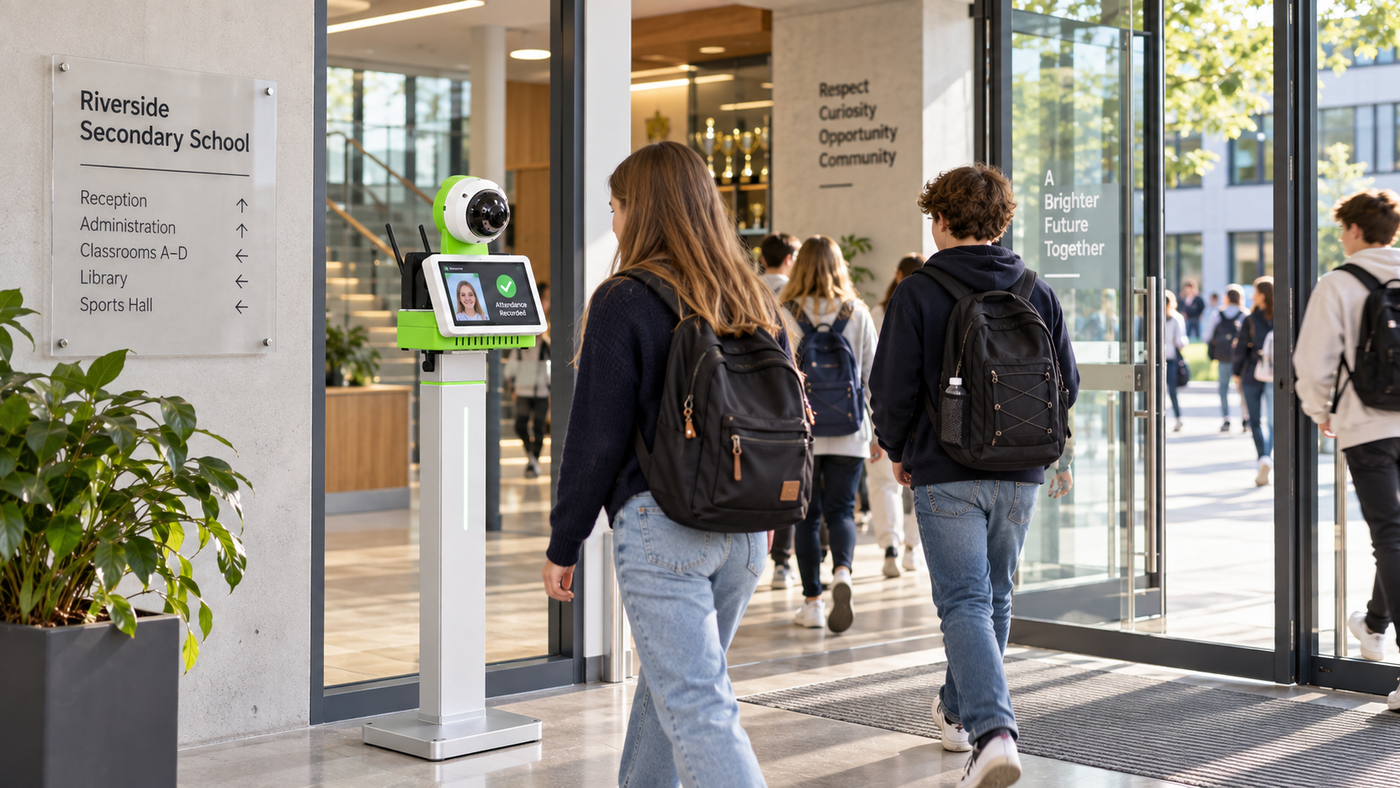
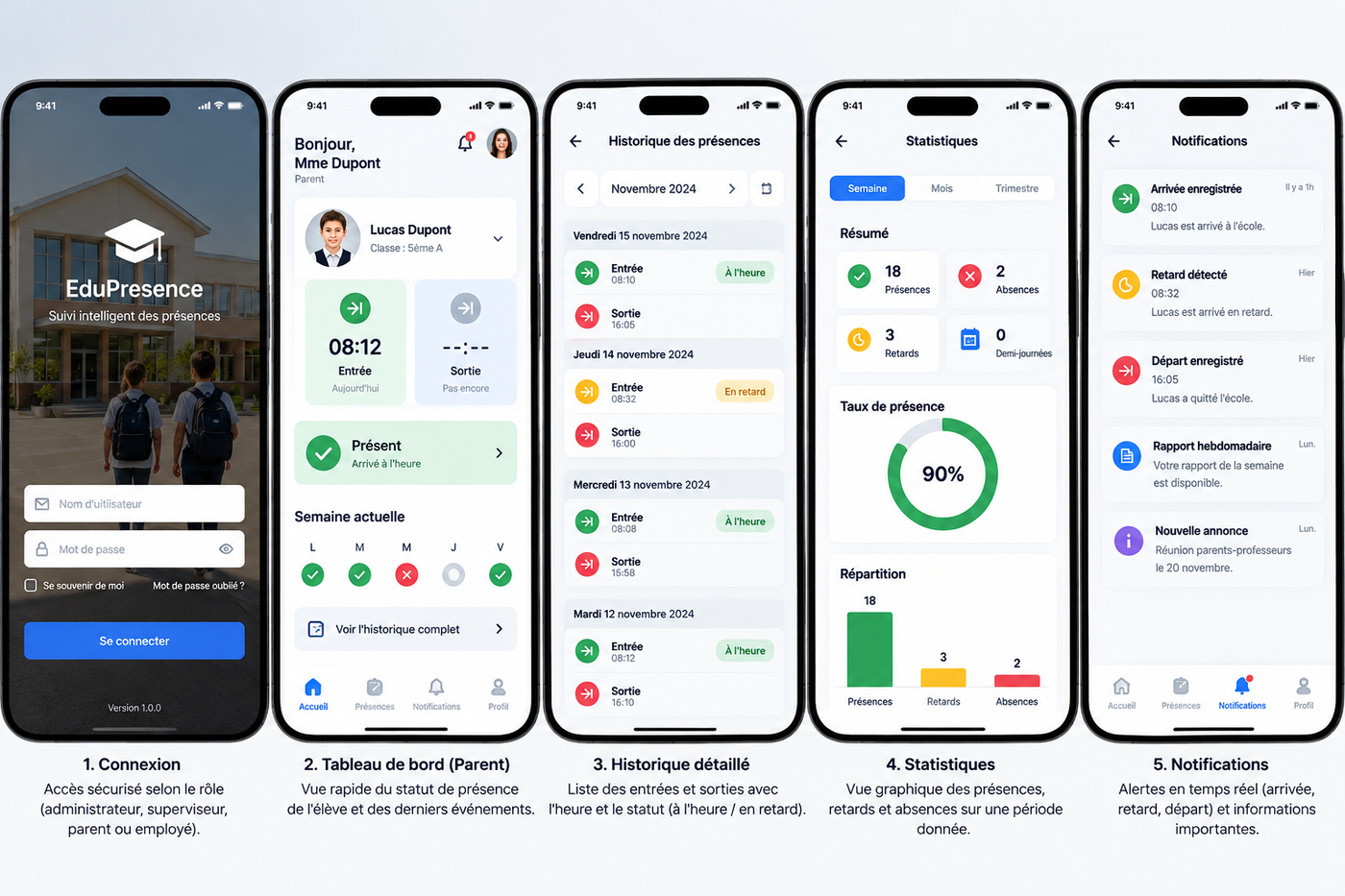
We designed a distributed architecture built around three main components: an on-site attendance device, a Firebase cloud infrastructure, and a Flutter mobile application. The device uses a camera and Python-based software to detect, track and recognize faces. Facial embeddings are stored locally so recognition can continue without an Internet connection. Each check-in or check-out event is first recorded locally and then synchronized with Firebase whenever connectivity is available. The Flutter application allows authorized users — administrators, supervisors, parents and employees — to access only the information associated with their role. Cette architecture correspond directement à celle décrite dans ton document.
- 01User RegistrationThe supervisor registers the student or employee once using the on-site device. Several facial images are captured from different angles to generate multiple reliable facial embeddings.
- 02Face DetectionThe camera continuously monitors the passage area. When a face appears, the system automatically detects it and starts the analysis.
- 03Tracking and RecognitionEach detected person receives a temporary tracking ID. The system analyzes several consecutive frames and compares the face with locally stored embeddings to determine the identity with a sufficient confidence level.
- 04Check-in / Check-out RecordingOnce the person is recognized, the system automatically records the corresponding event: check-in or check-out, including the date, time, identity and confidence level. In check-in mode, the system can also identify late arrivals.
- 05Attendance Reports and MonitoringSynchronized data can be viewed through the Flutter application. The displayed information depends on the user’s role: administrator, supervisor, parent or employee. Ces étapes correspondent directement au fonctionnement décrit dans ton projet : inscription avec plusieurs vues du visage, suivi par identifiant temporaire, comparaison sur plusieurs images, enregistrement local puis synchronisation avec Firebase.
- 06Unknown Person HandlingIf the confidence level is insufficient, the system classifies the person as “unknown” instead of assigning an uncertain identity, reducing the risk of false recognition.
- Facial embeddings used for recognition remain stored locally on the device.
- Each user can access only the data associated with their role and institution.
- When recognition confidence is insufficient, the system classifies the person as unknown instead of assigning an uncertain identity.
The project in pictures
Next steps
- Add liveness detection to reduce spoofing attempts using printed photos or phone screens.
- Integrate Firebase Cloud Messaging to automatically notify parents about arrivals, lateness or absences.
- Support multiple check-in and check-out terminals for high-traffic schools.
- Enforce administrator credential changes on first login and strengthen access-control policies.
Interested in this prototype?
Partnership, further testing or industrialisation with C2S Engineering: let's talk.